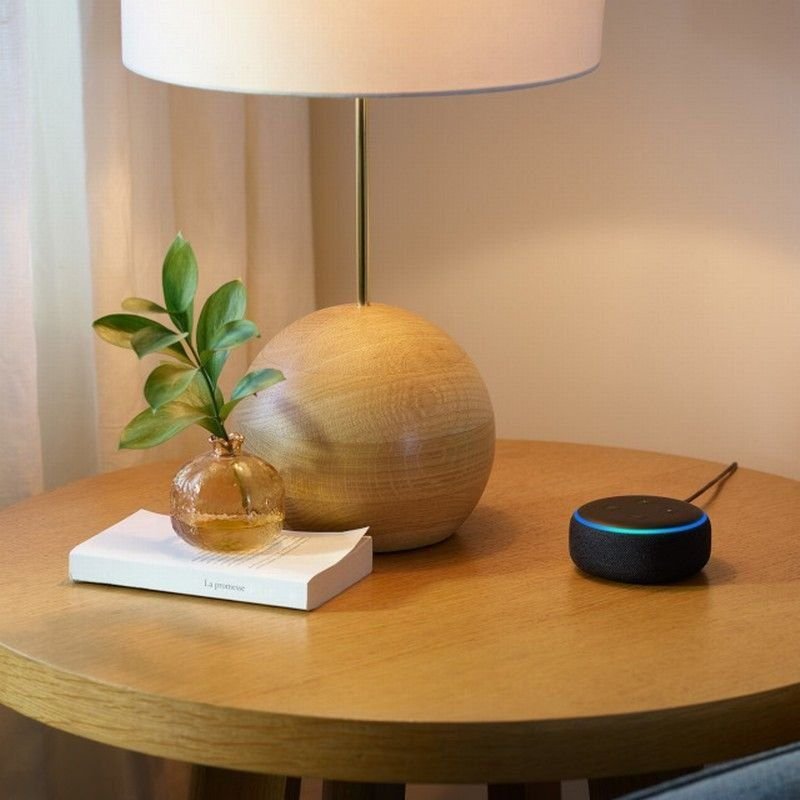
- Voice control can run lights, doors, blinds, TVs, heating and calls hands-free, which matters a great deal when hands or arms are limited.
- It depends on clear, consistent speech, a good microphone position, Wi-Fi and a power supply. Any of these can fail.
- Test it with the person's own voice, in the real room, at the real times of day, before you rely on it.
- Always keep a backup: a wall switch, a remote or a button. Voice should be one way, not the only way.
Voice control is the smart-home feature people talk about most, and the one that causes the most disappointment. The demonstration is easy: one clear voice, a quiet room, a fast connection. Real life is harder: a tired voice at night, a TV playing, a speaker down the hall, a router that restarted, a name for a light that the system keeps mishearing.
This guide is written to help you get the benefits without the frustration.
Speech that varies through the day, a soft voice, a strong accent or a speech condition may make voice control unreliable. That is not a failure of the person. Other controls, such as switches, remotes or eye gaze, may suit better. An OT or speech pathologist can advise.
What voice control can do
Beyond the basics, many systems can also control TVs, play music, set reminders, read out messages, lock doors, open gates and run a "routine" that does several things at once, such as "Good night", which turns off lights, closes curtains and locks the front door. For someone who finds each of those jobs hard, that single phrase can save a lot of effort.
The parts of a voice system
| Part | What it is | What can go wrong |
|---|---|---|
| Microphone or speaker | A smart speaker, display or phone that listens for a wake word | Too far away, blocked by furniture, or confused by background noise |
| Wake word | The phrase that gets its attention | Needs to be said clearly, and can be triggered by the TV |
| Internet and Wi-Fi | Most systems send what you say to the cloud to be understood | No Wi-Fi often means no voice control |
| The hub or app | Connects the voice system to your devices | Updates, accounts and settings can change things |
| The devices | Lights, plugs, blinds, locks and so on | Not all brands work together, and some need a bridge |
| Power | Speakers and hubs need mains power | A power cut stops everything |
Realistic expectations: what tends to go wrong
The system may mishear. This is more likely with soft or slurred speech, a voice that tires through the day, background noise or a different accent. Some systems let you train them to your voice, or use a different wake word. Try several before you decide.
"Bedroom light" is fine until there are three bedrooms. Short, distinct names work best. Avoid names that sound alike, such as "lamp" and "lights". Write the names down and keep the list near the person.
There can be a delay between speaking and the action. Some people repeat the command because nothing seems to happen, and then the light turns on, off and on again. Test the delay and explain it.
If the Wi-Fi drops, so does voice control. If the router restarts, devices sometimes need to reconnect. Plan for this with a backup switch.
Smart speakers listen for the wake word, and recordings may be stored by the provider. Check the privacy settings, and discuss with the person whether they are comfortable with a microphone in the room.
If voice control is the only way to turn on the light, a flat Wi-Fi connection means a dark house.
Set it up to work, step by step
- Start with a small goal
Choose three things the person most wants to do by voice, for example lights, television and a call. Get those reliable before adding more.
- Place the microphone well
Close to where the person usually sits or lies, with a clear line to their voice, away from the TV and kitchen noise. One at the bedside often beats one in the hall.
- Choose simple, different names
Short names for each device and room. Test them by speaking in a normal voice, then a tired one.
- Build a routine
"Good morning" and "Good night" can bundle several actions. These save the most effort, but should be tested carefully.
- Add a physical backup
A wall switch, remote or button that does the same job. Place it where the person can reach it.
- Test in real conditions
Morning, evening, with the TV on, with the fan running and when the person is tired. Fix what fails.
- Write it down
A one-page list of commands, device names and who to call if something stops working.
Matching voice to the person
| Situation | What often helps |
|---|---|
| Limited hand function, clear speech | Voice control as the main way, with a backup remote or switch |
| Fatigue that changes the voice through the day | Voice for good times, a switch or remote for tired ones |
| Speech that is hard for the system to understand | Try different assistants and wake words, but be ready to choose another control method |
| Hearing loss | Make sure the person can hear or see the response, such as a display or a light that confirms the action |
| Cognitive changes | Keep commands few and consistent. A physical button may be less confusing |
| Shared home | Agree who can control what, and consider voice recognition settings and privacy |
| Using a wheelchair or in bed | Place microphones where the person spends time, and make sure they work from lying down |
Safety: what not to do by voice alone
Some things are riskier to put under voice control, because a mistake or a stranger's voice could cause harm.
- Door locks. Voice unlock is usually disabled or needs a PIN. A television or a visitor could say the wrong words.
- Heaters and stoves. Avoid anything that could start a fire unattended.
- Emergency calls. A voice assistant is not a replacement for a proper personal alarm. See our guide to personal alarms and falls detection.
- Gates and garage doors. Moving equipment needs safety sensors and careful setup by a qualified installer.
Some voice assistants can place calls, but they may not reliably dial emergency services. Do not rely on one for that. Make sure a phone or alarm the person can use is always within reach.
Is voice control right for you? A quick check
- The person's speech is fairly consistent through the day
- They have trouble reaching or pressing switches
- There is reliable Wi-Fi in the rooms where it would be used
- There is a clear place for the speaker near where the person sits or lies
- They are comfortable with a microphone in the home
- A backup control such as a switch or remote can be provided
- They would use a few simple commands, not dozens
- Someone can help with setup and troubleshooting
Quick quiz: test your understanding
The Wi-Fi drops at 9pm. What is the best backup for the bedroom light?
- Shout the command louder
- A wall switch or remote the person can reach
- Wait until the morning
A physical control that works without Wi-Fi is the most dependable backup. Voice, apps and automation all rely on the network and power being available.
Cost and funding
A basic setup, a speaker and a few smart plugs or bulbs, is modest. Costs rise with in-wall switches, motorised blinds, locks and a hub, plus installation and programming. NDIS participants may be able to include voice control as assistive technology where it is linked to the person's disability and is reasonable and necessary, and some Support at Home items may apply. An OT letter that explains why it is needed, and what the person cannot do without it, strengthens a request. See our guide to how home modifications and assistive technology are funded.
Setup checklist
- The person has tried the system and likes how it works
- Device and room names are short and distinct
- The microphone is placed near where the person sits or lies
- A physical backup control is in place for each key device
- Wi-Fi coverage has been tested in each room
- Privacy settings have been reviewed with the person
- The commands are written down and kept nearby
- Locks and heaters are not on voice-only control
- Someone knows how to restart the router and the hub
- A review is booked for a month after setup
Myths and misunderstandings
"Voice control works for everyone."
It works well for many, but not all. Speech, noise and setup all matter. Test it before relying on it.
"It does not need the internet."
Most do. Some functions can work locally, but check how your system behaves when the Wi-Fi is down.
"Once set up, it needs no attention."
Updates, new devices and router changes can all break things. Plan a periodic check.
"Smart means complicated."
A good setup is simple for the person using it. The complexity can stay with the installer.
How we help
We set up voice control around the person, not the other way round. We test the system with their own voice in their own home, choose simple names, install physical backups and write the commands down. We use products from Australian suppliers where we can. See our page on voice and app control or book a free site visit.
Your first week: a simple action plan
You do not have to do everything at once. This sequence keeps things moving without overwhelm.
- Step 1
Pick the three most useful commands.
- Step 2
Place the microphone near where the person sits or lies.
- Step 3
Name devices simply.
- Step 4
Add a wall switch or remote backup.
- Step 5
Test in the evening and with the TV on.
- Step 6
Write the commands on a card.
Plain-English glossary
- Wake word
- The phrase that gets the assistant's attention.
- Routine
- A set of actions started by a single phrase.
- Hub
- A device that links smart devices together.
- Local control
- Control that works without the internet.
What happens at a Nemco site visit
If you would like a second pair of eyes, we visit the home, listen to the person first and look at the spaces they actually use. We take measurements and photos, check access for tradespeople and talk through the options in plain language, including simpler or cheaper ones where they will do the job. You then receive a written, itemised quote that your therapist, plan manager or family can read and compare. There is no obligation to proceed, and we will tell you if something is outside what we do. We also explain what each step involves for the person living there, how long the work is likely to take, whether the home can be used while it happens, and who to call if something does not work as expected after handover.
What to have ready
- Any therapist or hospital letters, or the name of the person coordinating care
- Photos or a rough sketch of the rooms involved
- A list of the times of day the person finds things hardest
- Landlord, strata or owner details if the home is not owned
- Your funding pathway, if you know it, or the name of the plan manager
When to bring in a professional sooner
If the person has had a recent fall, a change in health, a hospital stay or a new diagnosis, or if you are unsure whether a change is safe, speak to an occupational therapist or doctor before making changes. A quick conversation early can save money and avoid doing the wrong thing.
Questions to talk through at home
- Is the person's voice consistent through the day?
- Who fixes it when it stops?
- Is the microphone acceptable in the bedroom?
- What is the physical backup?
Last checked: November 2026. Rules, prices and program details change, so confirm with the source before you act. Product capabilities, privacy settings and funding rules change. Confirm current details with the supplier and your funding pathway.
Common questions
Does voice control work without Wi-Fi?
Usually not for most functions. Keep a physical backup such as a wall switch or remote.
Can voice control understand a soft or slurred voice?
Sometimes, but results vary. Test with the person's own voice and consider other controls if it is unreliable.
Is it safe to lock doors by voice?
Voice unlock is generally best avoided or protected with a PIN. Locking by voice is lower risk, but test it carefully.
Is a smart speaker always recording?
It listens for a wake word and may store recordings depending on the provider and settings. Review the privacy options.
Can it be funded?
Possibly, where it is linked to disability and assessed need. An OT report helps.